How to Make Videos From Reference Image in Seedance 2.5
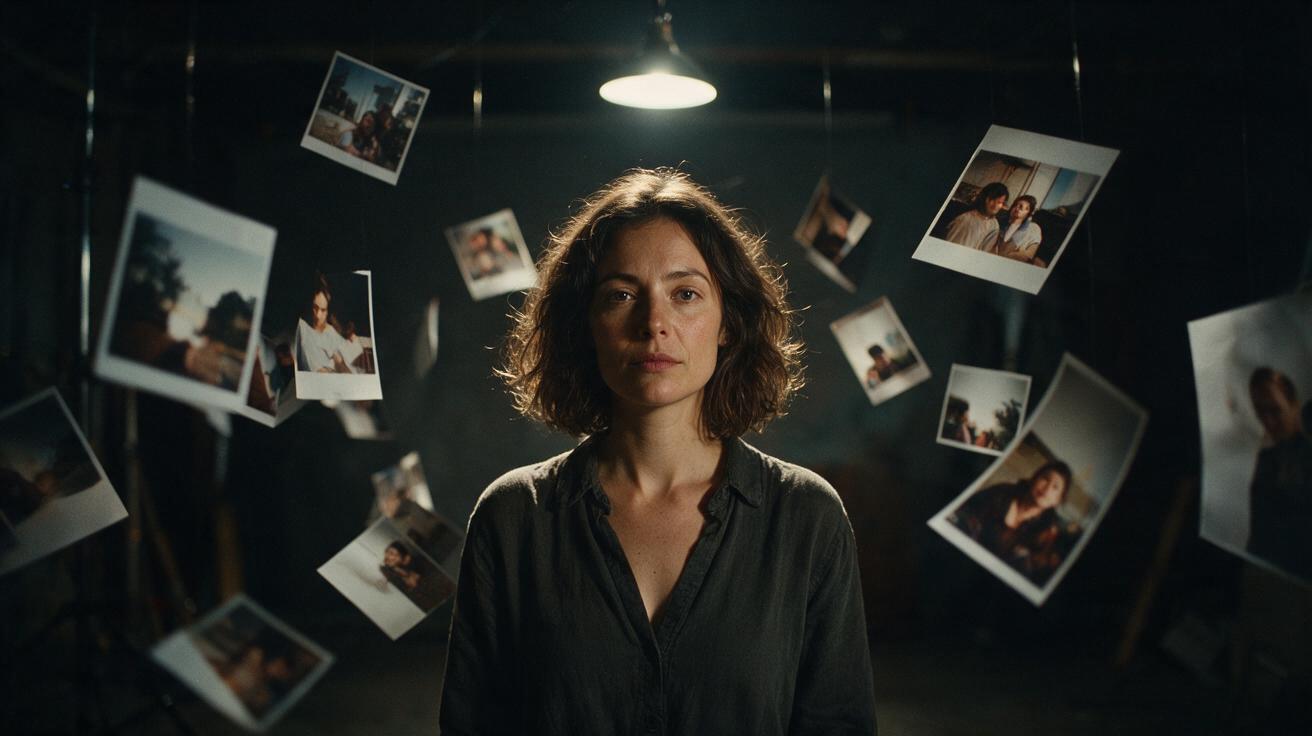
How to make videos from reference image inputs: 30 images per request, accepted formats, public URL hosting, what the prompt still does, and what it all costs.
Learning how to make videos from reference image inputs is mostly a matter of learning what the request will accept. Seedance 2.5 takes up to 30 images in a single generation, adds nothing to the bill for them, and turns the prompt into an optional field once they are attached. The constraints that actually bite are the file formats, the 30 MB ceiling per image, and the fact that every file has to sit behind a public URL before the job will start.
What counts as a reference image
One request accepts up to 30 reference images. Accepted formats are jpeg, png, webp, bmp, tiff, gif, heic and heif, and each file has to be under 30 MB.
Reference video and reference audio are separate budgets on the same request: up to 10 video clips in mp4 or mov at 200 MB or less each, running 2 to 30 seconds individually and 30 seconds combined, plus up to 10 audio tracks in wav or mp3 at 15 MB or less each. Mixing them is allowed. Images are the cheap half of that arrangement, for reasons the pricing section covers.
Thirty images is a large budget and it is worth spending deliberately. Multiple angles of one subject, a wardrobe detail, the room, and a frame that shows the lighting you want will do more than thirty near-identical shots.
How to make videos from reference image inputs
The sequence is short.
- Put every image somewhere it can be fetched over public HTTP(S). Nothing else is accepted.
- Set the fields that the prompt cannot touch: duration between 4 and 30 seconds with a default of 5, resolution from 480p, 720p or 1080p with 720p as the default, and aspect ratio from 16:9, 9:16, 1:1, 4:3, 3:4, 21:9 or adaptive, which is the default.
- Attach the image URLs and write a prompt that says what happens rather than what things look like.
- Submit. Generation averages two to five minutes, the job is asynchronous, and polling for the result is free.
- Collect the output as mp4 or mov.
Audio generates in the same pass unless you turn it off. generate_audio defaults to true and covers speech, effects and music as a mono track, so a request built from silent photographs still comes back with sound.
Hosting: public URLs only
Media inputs are public HTTP(S) URLs. Data URIs are rejected platform-wide, so base64 in the request body is not a fallback.
That single rule is the most common reason a first attempt never starts. A link that needs a session cookie, a signed URL that has already expired, or a file on a host that blocks unknown user agents will all fail before generation. Test each URL from a context with no login before submitting the job.
What the prompt still does once images are attached
The prompt field holds up to 20,000 characters. It is required for text-to-video and optional as soon as any reference media is present.
Optional does not mean useless. With images attached, the prompt stops carrying appearance and starts carrying action, camera and timing: who moves, in which direction, what the camera does, where the cut falls. A request with 30 images and three sentences of direction is a normal shape.
Delete the descriptive prose the images already cover. Writing "a red wool coat" next to a photograph of the coat creates two sources of truth for one detail, and nothing in the request says which of them the model should follow.
What reference media costs
Billing is per second of finished video at a rate set by resolution, and by whether the request carried a reference video.
| Resolution | Generation only | With a reference video |
|---|---|---|
| 480p | $0.118589 | $0.071153 |
| 720p | $0.266824 | $0.160094 |
| 1080p | $0.461856 | $0.275904 |
Reference images and reference audio add no billable seconds. A five-second 720p clip built from 30 images bills five seconds at $0.266824, so about $1.33. The same clip at 1080p is about $2.31, and ten seconds at 1080p is about $4.62.
Reference video is the exception. Its own length is added to the bill on top of the output, and a request carrying reference video is never billed for fewer than five thirds of the output duration, rounded up. The per-second rate drops when reference video is present, which offsets part of that but rarely all of it.
Failed jobs are refunded in full, so a refused run costs the wait and not the credits.
Going past the 30-second ceiling
A single generation stops at 30 seconds. Setting duration to -1 lets the model pick the length, and the reservation is taken at the 30-second cap regardless of what comes back.
Longer pieces are chained generations. The schema exposes return_last_frame and seed alongside fields such as output_format, bitrate_mode, watermark, omni_reference_task_type and image_with_roles, and the usual approach is to carry the closing frame of one clip forward as a reference image for the next so the two segments share a subject and a look.
Draft the chain at 480p. Composition, blocking and continuity are all legible at $0.118589 per second, which puts a five-second test at about $0.59 against $2.31 at 1080p, and the structural mistakes you are hunting for show up the same at either tier.
Frequently asked questions
How many reference images can one request use? Up to 30, in jpeg, png, webp, bmp, tiff, gif, heic or heif, each under 30 MB. They add no billable seconds.
Do I still need a prompt if I attach images? No. The prompt is optional whenever reference media is present and required only for text-to-video. A short direction covering action and camera usually improves the result anyway.
Can I upload image files directly instead of using URLs? No. Media inputs are public HTTP(S) URLs and data URIs are rejected, so the file has to be hosted somewhere reachable without a login first.
How much does a reference image video cost? The images themselves are free. You pay for the output: about $1.33 for five seconds at 720p, about $2.31 for five seconds at 1080p, and about $0.59 for five seconds at 480p.
The short version
How to make videos from reference image inputs comes down to four decisions. Host the files on public HTTP(S) URLs, because nothing else is accepted. Spend the 30-image budget on variety rather than repetition. Let the images carry appearance and let the prompt carry action, camera and timing. Draft at 480p where five seconds is about $0.59, then run the finished request once at 1080p, and remember that the images cost nothing while every second of output does.